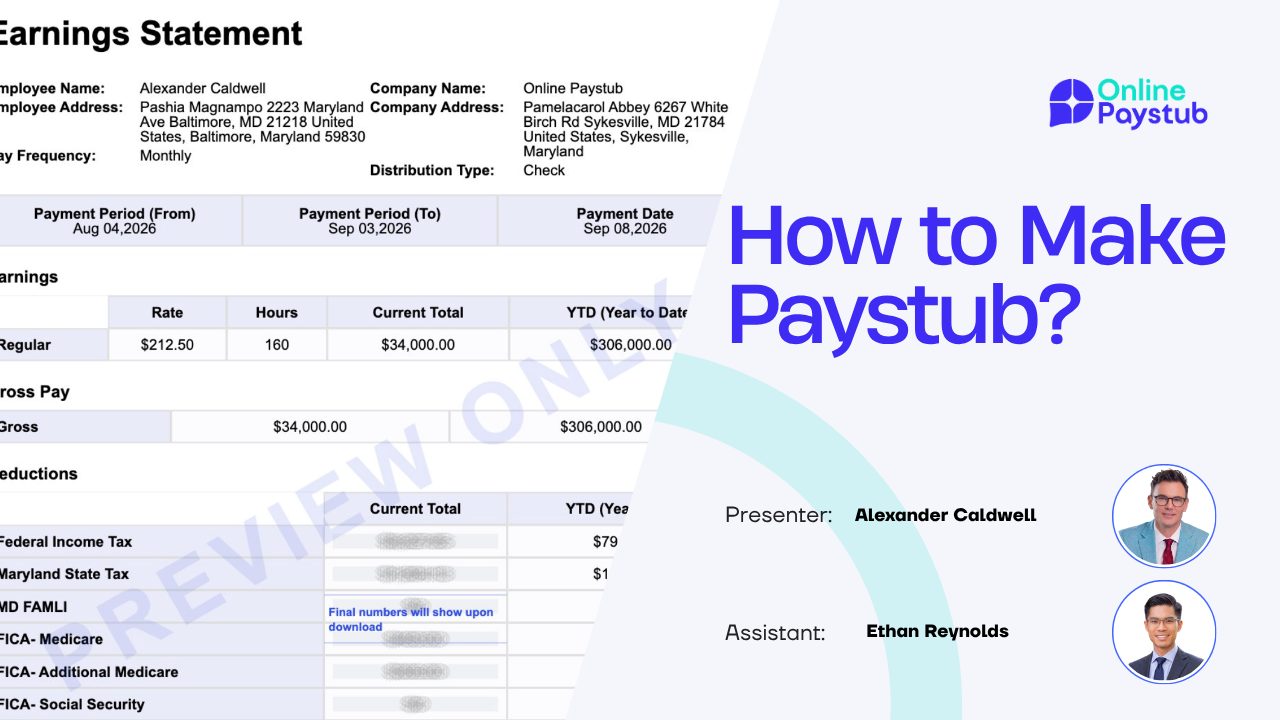

Making a paystub is a matter of collecting the right information, applying a handful of tax rules, and laying the result out in the standard format lenders, landlords, and employees expect. You can do it by hand in a spreadsheet, but a paystub generator does the same job in a few minutes with the current year's tax tables already built in.
This guide walks through both routes: the information you need, the seven steps in an online generator, the math behind every line if you want to check it yourself, a full worked example, and the rules to follow so the stub you make is accurate and legitimate. If you are new to the document itself, start with understanding a paystub, then come back here to build one.
What You Need Before You Make a Paystub
Gather these before you start. Missing one of them is the most common reason a paystub comes out incomplete.
Employer information
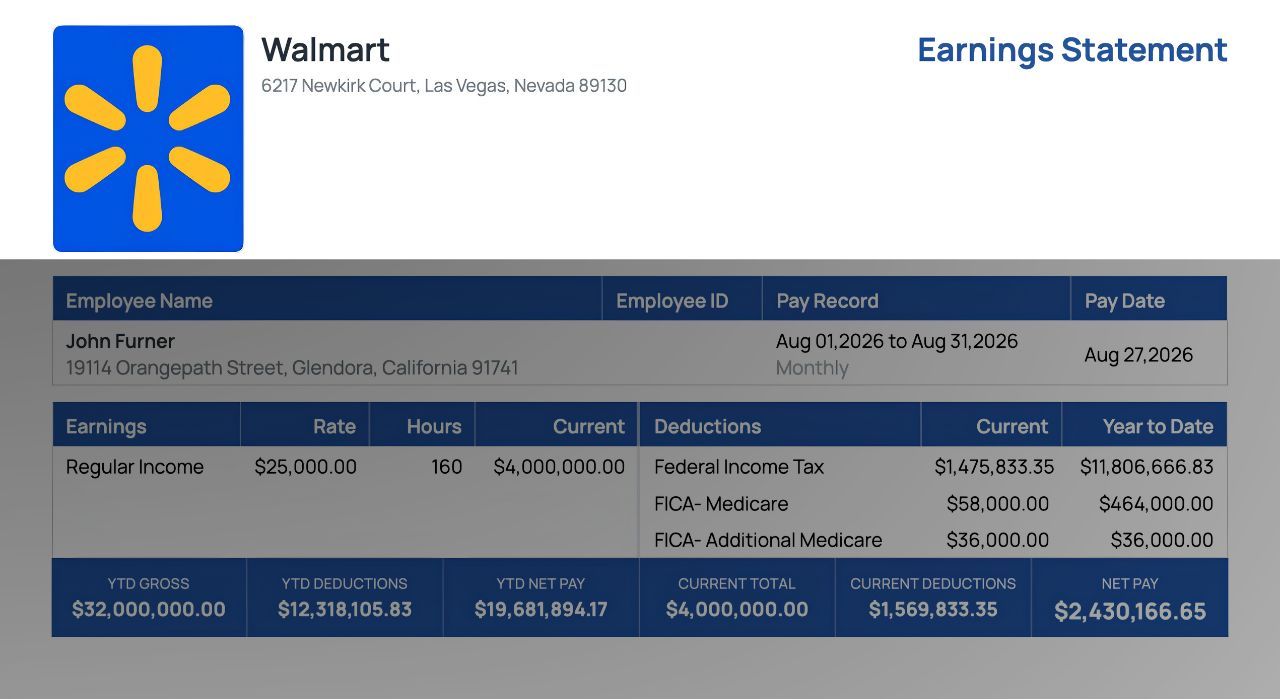
- Legal business name and address
- Employer Identification Number (EIN), optional on most stubs but useful for lenders
- Logo, if you want it on the document
Employee information
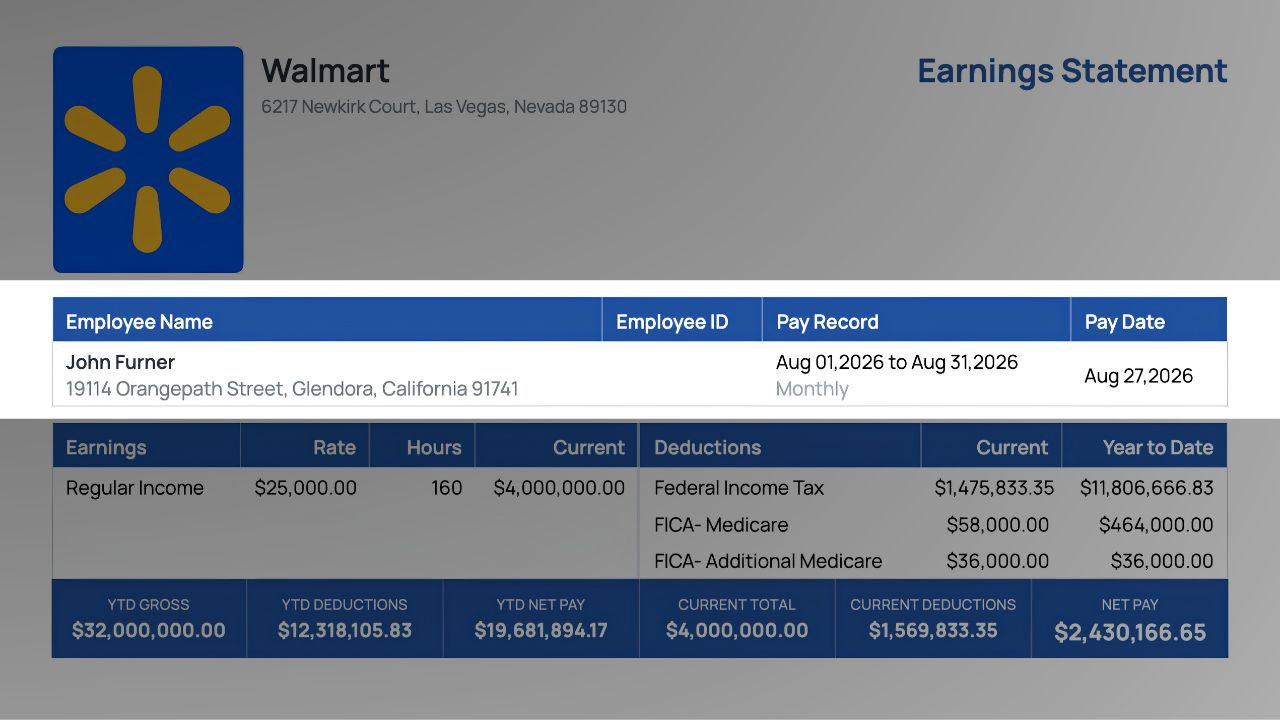
- Full legal name and home address
- Employee ID (optional)
- Last four digits of the Social Security number (optional, never the full number)
- Hire date
Pay details
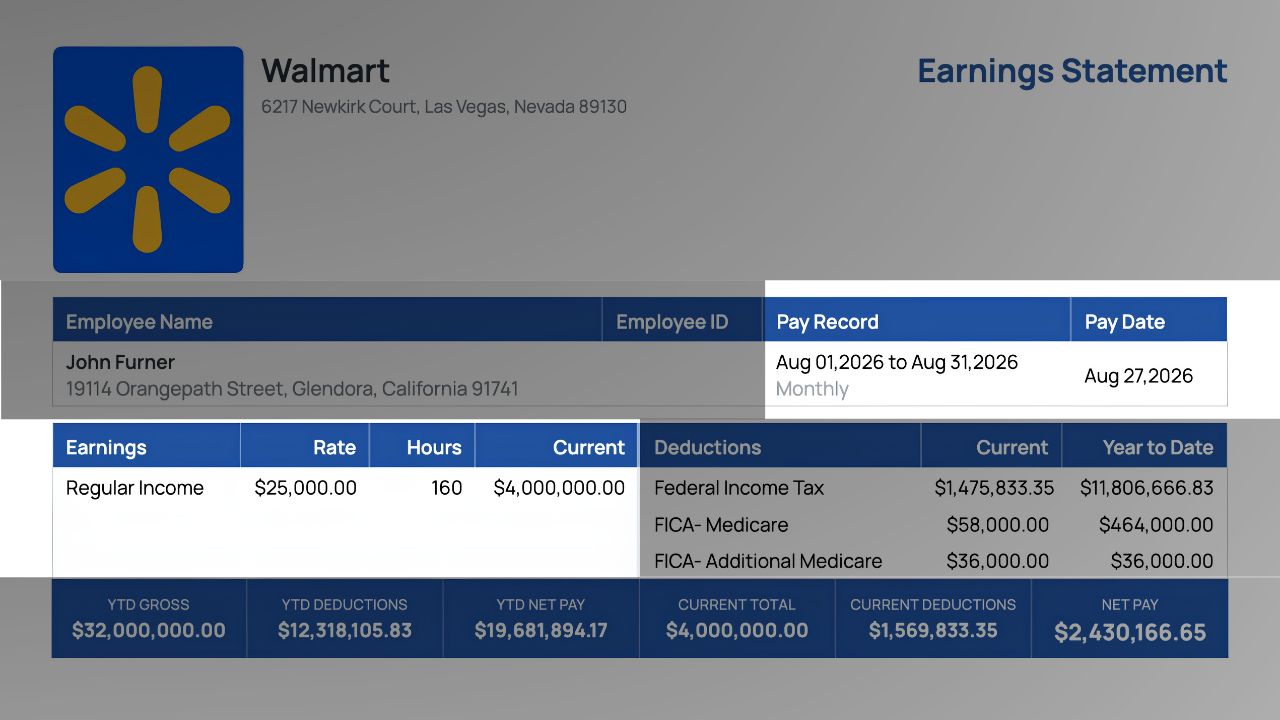
- Pay type: hourly or salaried
- Hourly rate and hours worked, or annual salary
- Pay frequency: weekly, biweekly, semimonthly, or monthly
- Pay period start and end dates
- Pay date
- Any overtime, bonus, commission, or tips for the period
Tax details
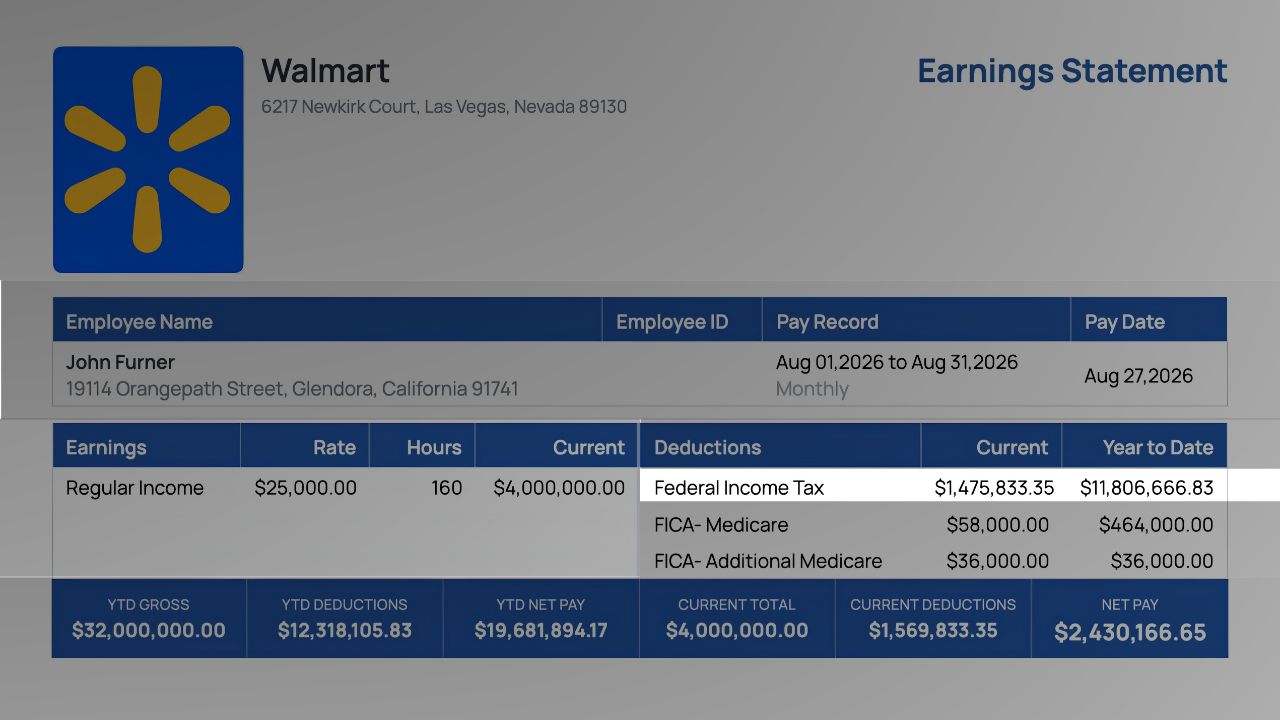
- Work state (and city, if it has a local income tax)
- Whether the employee works from home in a different state than the employer
- Federal filing status from Form W-4 (single, married filing jointly, head of household)
- State filing status and allowances, where the state uses them
- Any tax exemptions (rare, and they must be documented)
Deductions
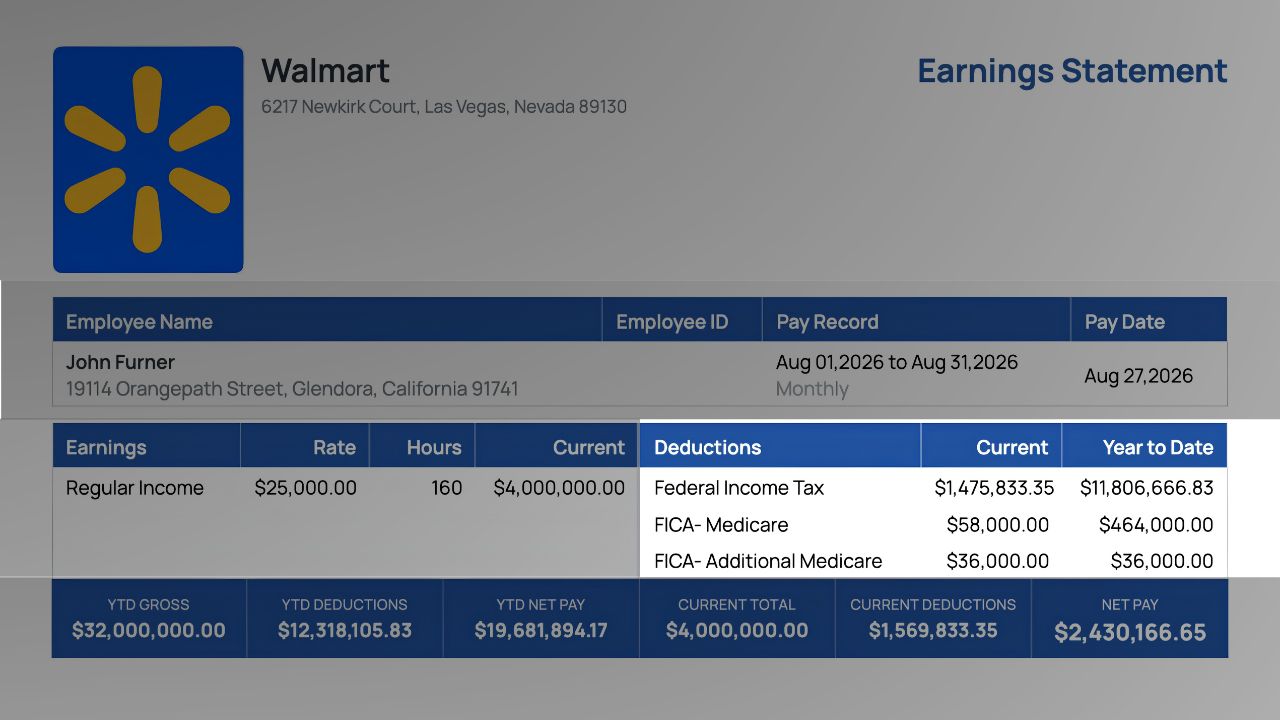
- Pre-tax: health, dental, vision premiums, traditional 401(k), HSA, FSA
- Post-tax: Roth 401(k), union dues, garnishments, loan repayments, charitable contributions
Year-to-date figures
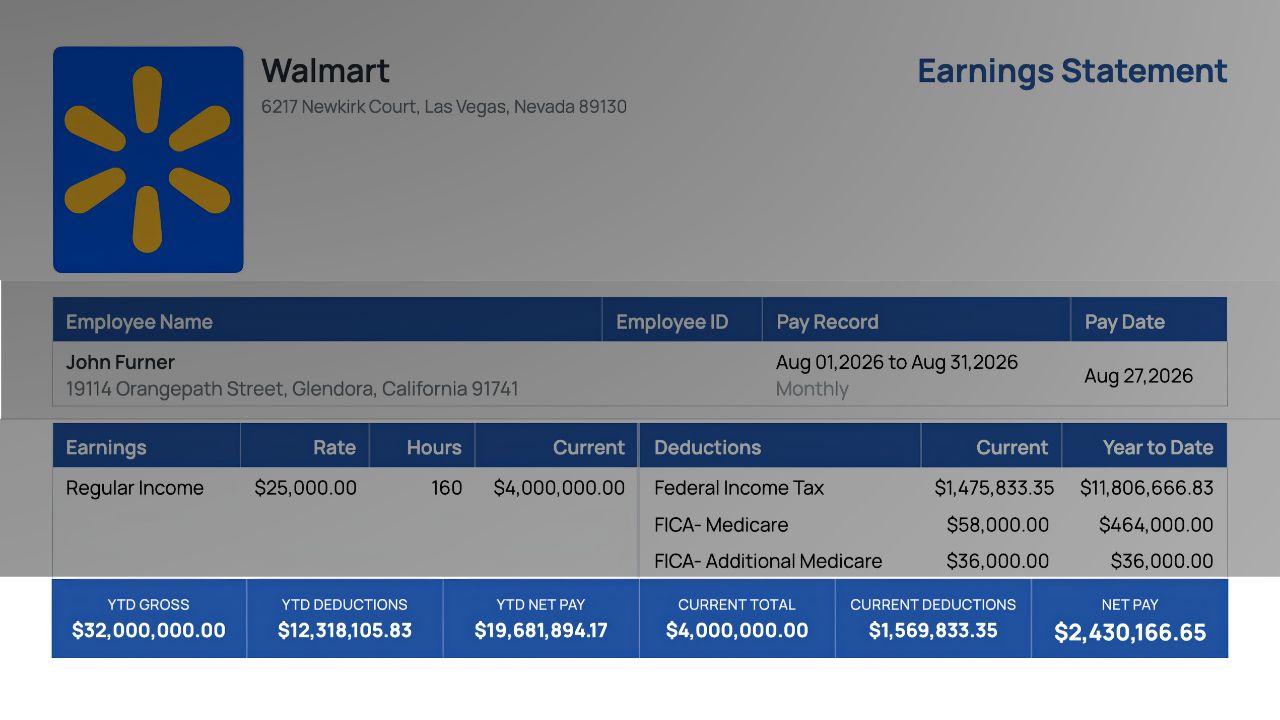
If this is not the first stub of the year, the YTD gross, taxes, and deductions from the previous stub for this employee.
How to Make a Paystub Online in 7 Steps
Here is the process in the Online Paystub generator. Other tools follow a similar flow.
Step 1: Enter the Company Details
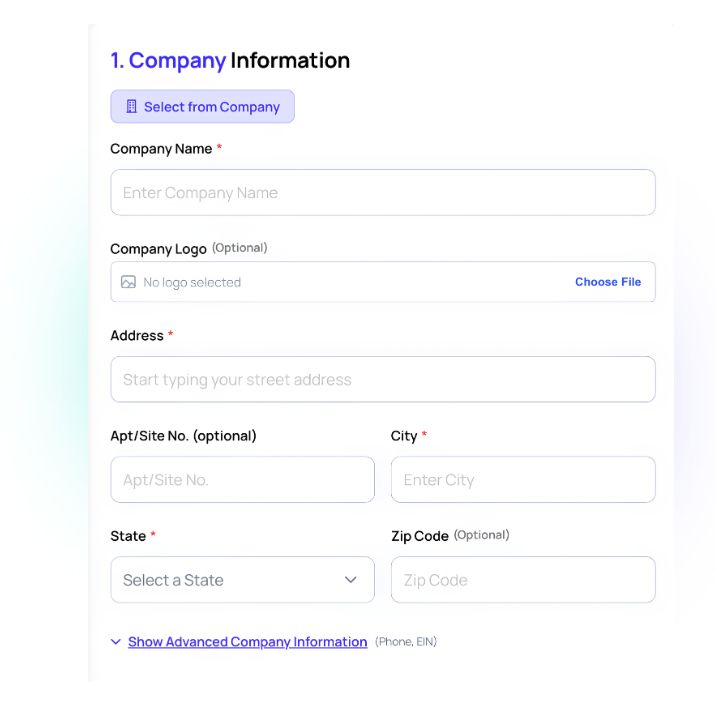
Business name, address, and optionally the EIN and a logo. This becomes the header on every stub you generate.
Step 2: Enter the Employee Details
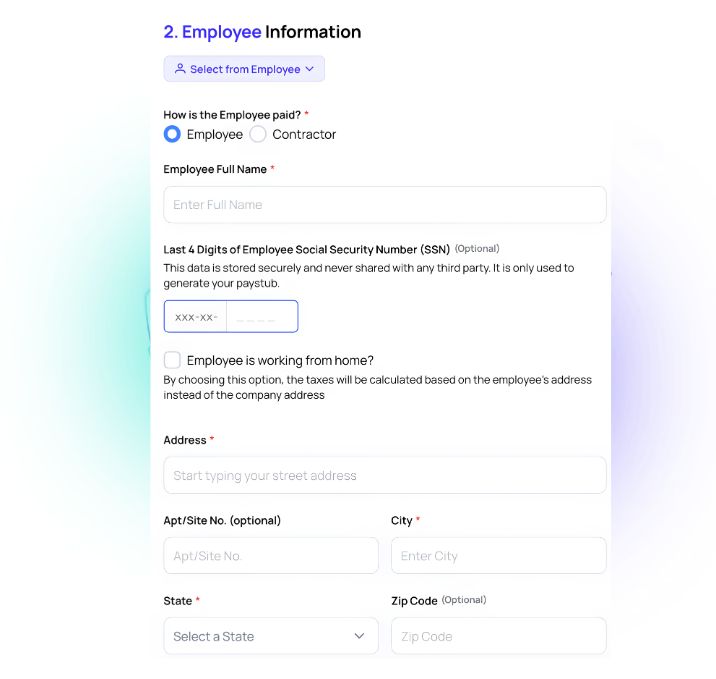
Name, address, employee ID, hire date, and (if you want it shown) the last four digits of the SSN.
Step 3: Set the Pay Schedule and Period
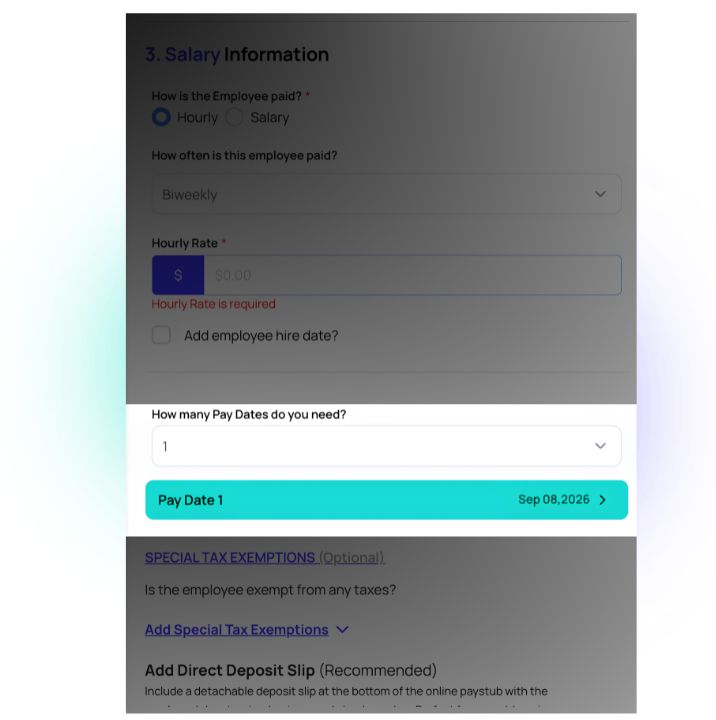
Choose weekly, biweekly, semimonthly, or monthly, then enter the pay period start and end dates and the pay date.
Step 4: Enter Earnings
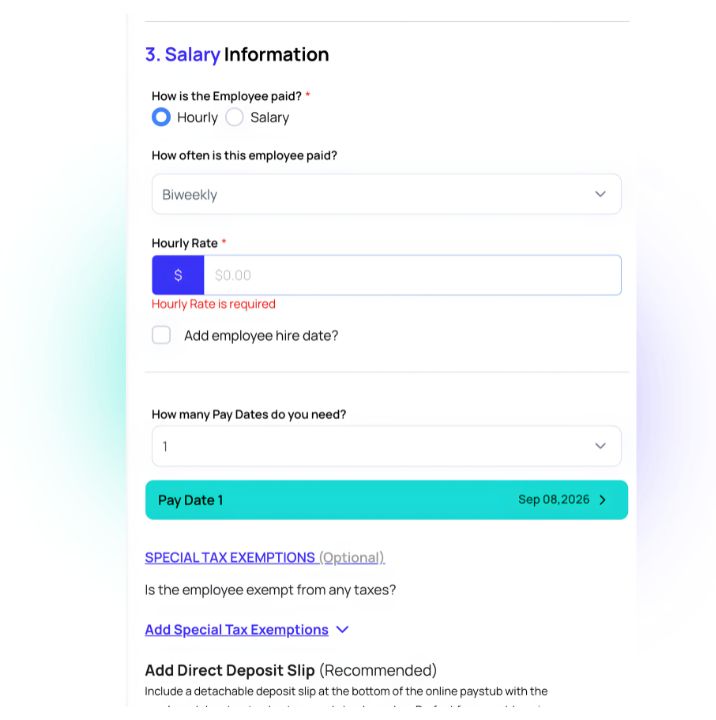
Select hourly or salary. For hourly, enter the rate and hours; add separate rows for overtime, bonus, or commission if they apply.
Step 5: Set Filing Status and Deductions
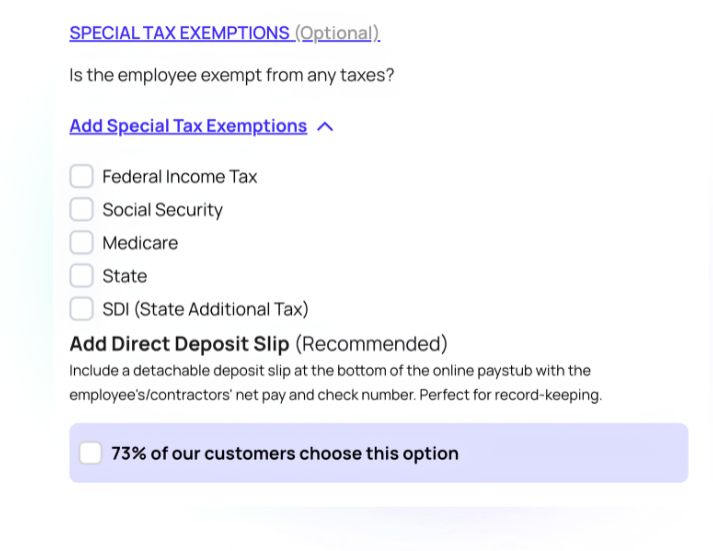
Choose the federal and state filing status, tick the multiple-jobs box if it applies, and add any pre-tax or post-tax deductions.
Step 6: Review the Calculated Taxes
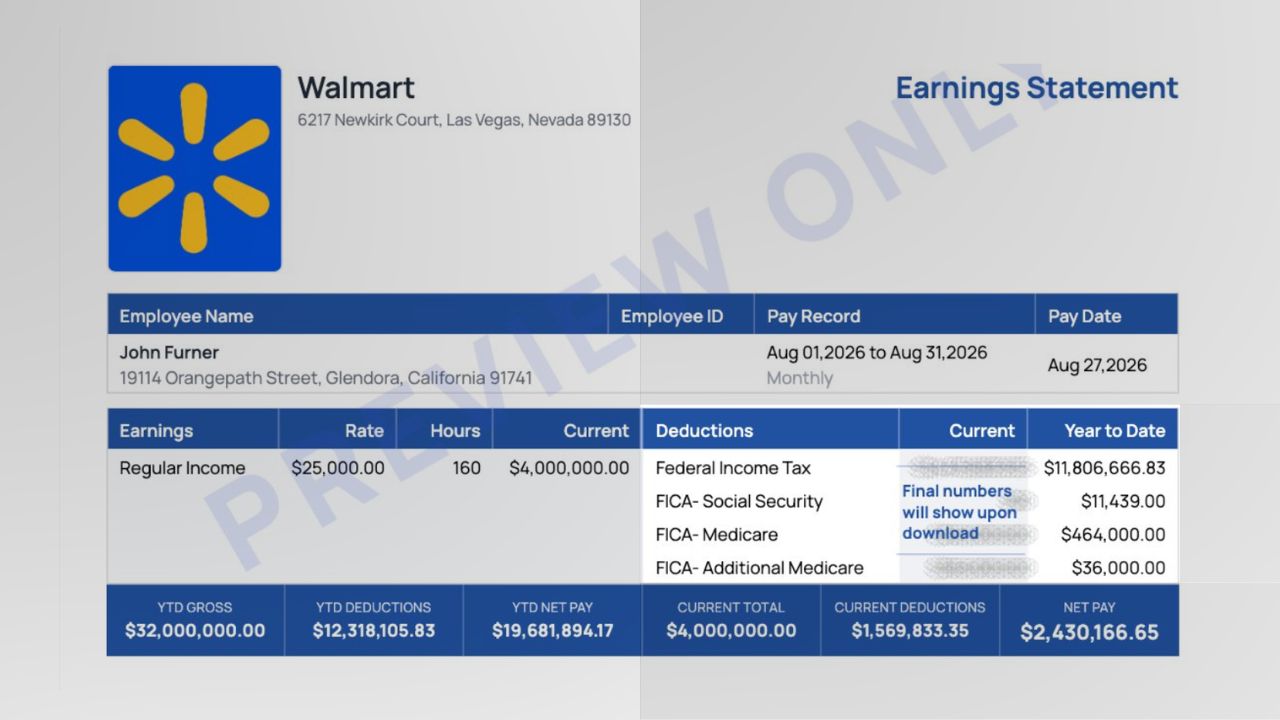
The generator fills in federal income tax, Social Security, Medicare, and state and local taxes automatically, using the current year's tables.
Step 7: Preview, Add Extras and Download
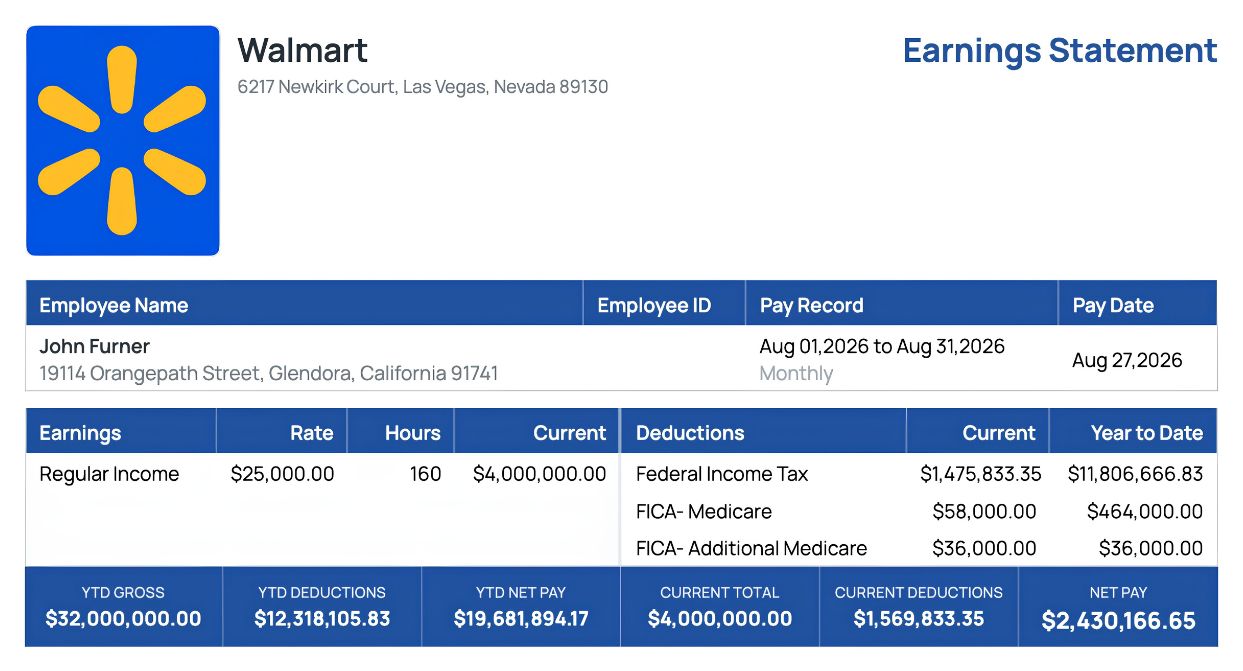
Check the summary bar (current and YTD gross, deductions, net pay), optionally add a direct deposit slip section, then download the finished PDF. For a line-by-line view of what the finished document should look like, see a sample pay stub explained.
How to Calculate the Numbers on a Paystub
Whether you are making the stub by hand or checking a generator's output, every figure comes from the same sequence.
Step 1: Gross Pay
- Hourly: rate × regular hours, plus overtime hours × 1.5 × rate, plus any bonus, commission, or tips.
- Salaried: annual salary ÷ number of pay periods (52 weekly, 26 biweekly, 24 semimonthly, 12 monthly).
Step 2: Pre-Tax Deductions
Subtract Section 125 benefit premiums (health, dental, vision), traditional 401(k) or 403(b) contributions, HSA and FSA contributions, and commuter benefits. Two different taxable bases result:
- Federal and state income tax base: gross minus all pre-tax deductions.
- FICA base: gross minus Section 125 premiums, HSA, and FSA only. Traditional 401(k) contributions do not reduce Social Security and Medicare wages.
Step 3: Federal Income Tax
Apply the IRS Publication 15-T percentage method for the employee's filing status, pay frequency, and W-4 entries to the income tax base. This is the one line that is impractical to do by hand for every period, which is the main reason to use a generator with the current year's tables.
Step 4: Social Security and Medicare (FICA)
For 2026:
- Social Security: 6.2% of FICA wages, until year-to-date wages reach $184,500. After that, $0 for the rest of the year.
- Medicare: 1.45% of FICA wages, no cap.
- Additional Medicare: 0.9% on FICA wages above $200,000 year-to-date.
The employer matches the 6.2% and 1.45% separately; those employer amounts do not appear as employee deductions.
Step 5: State and Local Taxes
Depends entirely on the work state:
- No state income tax: Alaska, Florida, Nevada, New Hampshire, South Dakota, Tennessee, Texas, Washington, Wyoming. The line is $0 or omitted.
- Flat-rate states: apply the single rate to the state taxable base.
- Bracketed states (California, New York, New Jersey, and others): use that state's withholding tables and the state filing status.
- State-specific lines: California SDI, New Jersey SDI/FLI, New York PFL, Washington PFML, and similar programs appear as their own rows.
- Local taxes: some cities and counties (New York City, Philadelphia, many Ohio and Pennsylvania municipalities) add a separate line.
Step 6: Post-Tax Deductions
Subtract Roth retirement contributions, union dues, wage garnishments, child support, loan repayments, and after-tax insurance premiums. These do not change any tax figure.
Step 7: Net Pay and Year-to-Date
Net pay = Gross pay − pre-tax deductions − federal tax − FICA − state/local tax − post-tax deductions
Then add every current-period figure to the previous stub's YTD totals to produce this period's YTD column. On the first stub of the year, current and YTD are identical.
Worked Example: Making a Paystub From Scratch
An hourly employee in Texas, paid biweekly, single filer on a 2020-or-later W-4 with no extra entries, one pre-tax health deduction and one traditional 401(k) contribution. Second pay period of the year.
| Field | Value |
|---|---|
| Hourly rate | $24.00 |
| Regular hours | 80 |
| Overtime hours | 5 |
| Health premium (pre-tax, Section 125) | $80.00 |
| 401(k) traditional (pre-tax) | 5% of gross |
| Work state | Texas (no state income tax) |
- Step 1: Gross pay. Regular: 80 × $24.00 = $1,920.00. Overtime: 5 × $24.00 × 1.5 = $180.00. Gross pay = $2,100.00.
- Step 2: Pre-tax deductions. Health: $80.00. 401(k): 5% × $2,100.00 = $105.00. Income tax base: $2,100.00 − $80.00 − $105.00 = $1,915.00. FICA base: $2,100.00 − $80.00 = $2,020.00 (401(k) does not reduce FICA).
- Step 3: Federal income tax. Using the 2026 percentage method for a single filer paid biweekly on $1,915.00 of taxable wages: approximately $160.00 (round figure for illustration; a generator computes the exact amount).
- Step 4: FICA. Social Security: 6.2% × $2,020.00 = $125.24. Medicare: 1.45% × $2,020.00 = $29.29.
- Step 5: State tax. Texas: $0.00.
- Step 6: Post-tax deductions. None.
- Step 7: Net pay. $2,100.00 − $80.00 − $105.00 − $160.00 − $125.24 − $29.29 = $1,600.47.
Resulting stub:
| Rate | Hours | Current | YTD | |
|---|---|---|---|---|
| Regular | $24.00 | 80 | $1,920.00 | $3,840.00 |
| Overtime | $36.00 | 5 | $180.00 | $180.00 |
| Gross pay | $2,100.00 | $4,020.00 |
| Current | YTD | |
|---|---|---|
| Health insurance (pre-tax) | $80.00 | $160.00 |
| 401(k) traditional (pre-tax) | $105.00 | $201.00 |
| Federal income tax | $160.00 | $308.00 |
| Social Security | $125.24 | $244.28 |
| Medicare | $29.29 | $57.13 |
| Total deductions | $499.53 | $970.41 |
| Current | YTD | |
|---|---|---|
| Gross pay | $2,100.00 | $4,020.00 |
| Deductions | $499.53 | $970.41 |
| Net pay | $1,600.47 | $3,049.59 |
(The YTD column assumes the first period of the year had no overtime and the same deductions; the federal figures are illustrative.) The same inputs entered into a generator produce this stub in about two minutes, with the federal line calculated exactly rather than approximated.
Three Ways to Make a Paystub Compared
| Method | Time per stub | Tax accuracy | Best for |
|---|---|---|---|
| Online paystub generator | 2 to 5 minutes | Current-year federal and state tables built in | Self-employed, contractors, small employers, anyone who needs a stub today |
| Spreadsheet or template | 20 to 40 minutes | Only as accurate as your manual lookups; must be updated every January | People comfortable with tax tables who make very few stubs |
| Full payroll software | Set-up hours, then automatic | High, and it also files and remits taxes | Businesses with regular employees and ongoing payroll obligations |
A generator sits between the other two: it does the tax math correctly without the cost and set-up of full payroll software, but it does not file or remit taxes for you. Whoever makes the stub is still responsible for depositing the withheld amounts if there is an employer-employee relationship.
How to Make a Paystub for Yourself (Self-Employed)
Freelancers, sole proprietors, single-member LLC owners, and S corporation owners often need a stub for a mortgage, auto loan, or rental application even though no employer issues one. If you work for clients as a 1099 contractor instead of paying yourself from your own business, the record looks different: nothing is withheld, and pay stubs for independent contractors have to line up with each client's 1099-NEC rather than with payroll.
- Enter your business as the employer and yourself as the employee.
- Use the amount you actually paid yourself for the period as gross pay. For an S corporation this is your W-2 salary; for a sole proprietor it is the owner's draw you took, documented by bank transfers.
- Enter the taxes you actually withhold or set aside. If you pay estimated taxes quarterly rather than withholding per period, you can still show the per-period share so the stub reflects your true after-tax income.
- Keep the supporting records (bank statements, invoices, estimated tax payments) alongside the stub. Lenders will ask for them.
The stub must match your real income and your tax filings. It is a summary of documented earnings, not a substitute for them.
How to Make Paystubs for Employees (Small Business)
If you have one or a few employees and run payroll yourself:
- Collect a Form W-4 from each employee and, where required, the state equivalent. The filing status and entries on these forms drive the withholding.
- Make a stub for every pay period, for every employee, even if they are paid by direct deposit. Most states require it; California, for example, specifies exactly which fields must appear.
- Keep YTD running correctly. Generate stubs in date order for each employee so the YTD column accumulates. Never create a mid-year stub with YTD equal to current unless it is the first pay of the year.
- Deposit what you withhold. The federal income tax and FICA you show as deducted must be sent to the IRS on your deposit schedule, along with the employer match. State withholding goes to the state.
- Keep records for at least three years, as required under the Fair Labor Standards Act, and give employees access to their stubs (paper or electronic, depending on your state's rules).
Common Mistakes When Making a Paystub
- Wrong pay frequency. Selecting biweekly for a semimonthly employee changes the withholding table and the number of periods per year.
- Applying 401(k) to the FICA base. Traditional 401(k) reduces income tax, not Social Security and Medicare.
- Forgetting the Social Security cap. Once YTD wages pass $184,500 in 2026, that line must drop to $0.
- Using the employer's state instead of the employee's. Remote employees are generally taxed where they work, which is where they live.
- Skipping state-specific lines. A California stub without SDI, or a New Jersey stub without SDI and FLI, is incomplete.
- Resetting YTD. Every stub after the first of the year must carry the previous totals forward.
- Rounding the gross. $25.00 × 37.5 hours is $937.50, not $940. Small rounding breaks the reconciliation with the W-2 at year end.
- Leaving the pay date before the period end without meaning to. It happens (some employers pay early), but it should be deliberate.
Is It Legal to Make Your Own Paystub?
Yes, as long as the stub is accurate. There is no federal law that says a pay stub must come from a payroll company. An employer can produce stubs with any tool, and a self-employed person can document their own income in stub form.
What is illegal is producing a stub that misrepresents income, employer, or employment status in order to obtain credit, housing, benefits, or a government program. That is fraud, whether the document was made in a generator, a spreadsheet, or by hand. Lenders and landlords verify stubs against bank deposits, tax transcripts, and employer contacts, and they check whether the tax math is internally consistent. A stub whose FICA is not 7.65% of gross, or whose YTD does not fit the pay date, is caught quickly.
Made honestly, a self-generated stub is a normal, accepted document. Made dishonestly, it is evidence.
Make Your Paystub Now
If you have the information from the checklist above, you are five minutes away from a finished stub. Enter the company and employee details, the pay period and earnings, and the work state; review the calculated taxes; download the PDF.
Create your paystub with Online Paystub.
Create a Pay Stub Now